Summary: Find, edit, download, and reuse every saved hero and background in one place — no more re-creating proven creative from scratch.
What's Changing
Before: When you saved a hero in Hero Lab, it went... somewhere. There was no place in the app to actually find it again. And if you spotted a typo or wanted to tweak the text, your only option was to start over from a blank canvas. Background images were even more fleeting — every background you uploaded or generated lived only for that session, so reusing a great shot from one photo shoot meant uploading it all over again, every time.
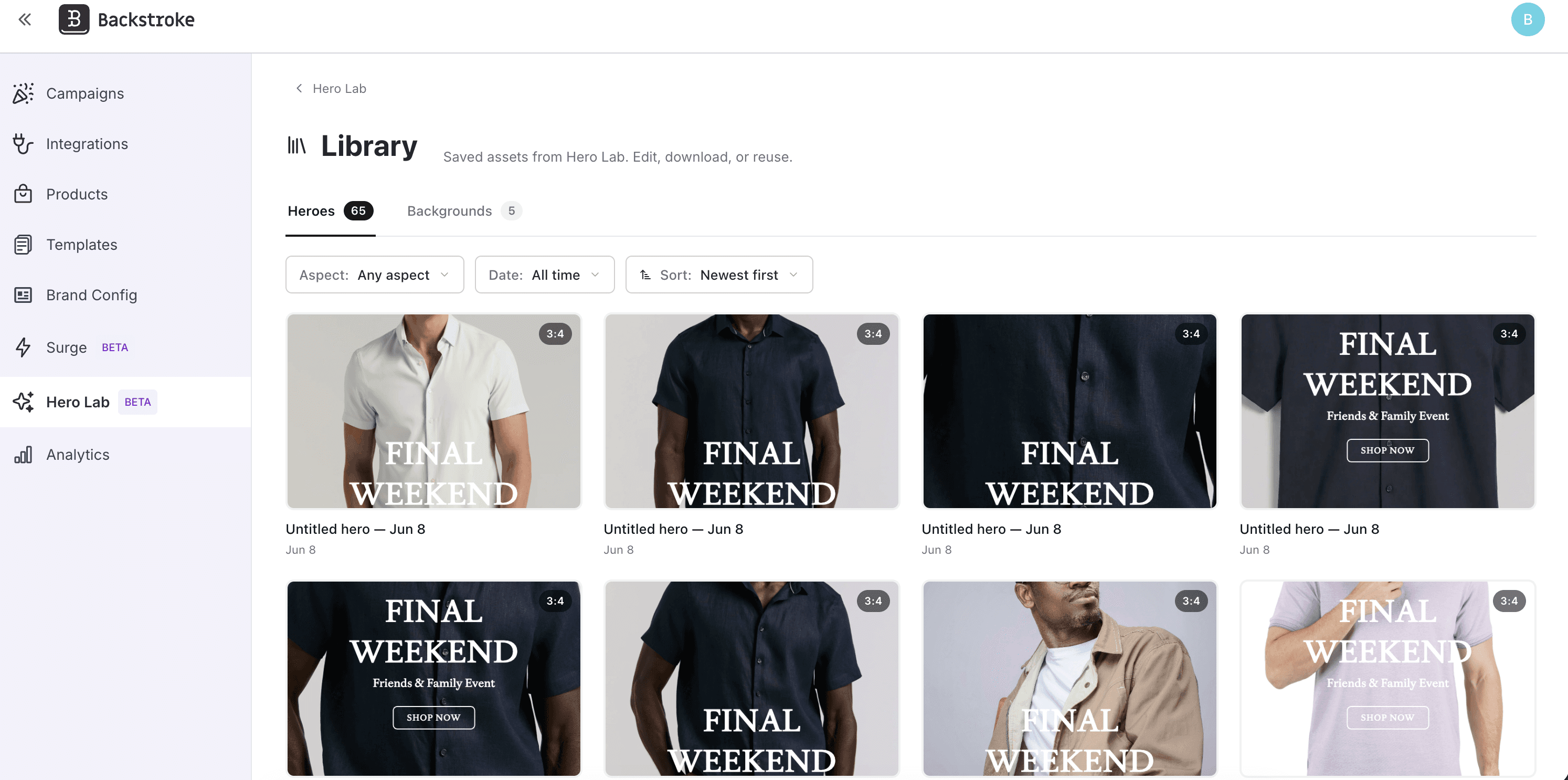
After: Hero Lab now has a dedicated Library. Open it and you'll see everything you've saved, split into two tabs — Heroes and Backgrounds. Sort by newest, filter by aspect ratio, date, or source, and search by text to find exactly what you need, even across hundreds of assets. Hover any tile to edit, download, rename, or delete, and select several at once to clean up in bulk. Editing a hero reopens it in Create mode with everything restored, so fixing that typo takes seconds instead of a fresh start. Best of all, your saved backgrounds become reusable building blocks: drop them straight into new heroes as a base image, or feed them back in as AI reference images so your best-performing visuals compound into better generations over time.