Product Updates
Try a new direction in Hero Lab without clearing work you still need.
↩️ Start over in Hero Lab
Try a new direction in Hero Lab without clearing work you still need.

“Start over” clears your current Hero Lab tab so you can begin a fresh draft.
If you have unsaved changes, you’ll get a warning before they’re cleared.
Heroes and backgrounds you’ve saved in your Library stay put.
Work in your other Hero Lab tabs is left alone.
Why it matters: A clean starting point for the next idea, with a clear heads-up before you lose an unsaved draft.
Give your hero buttons a more consistent size across a creative set.
📏 More consistent CTA buttons
Give your hero buttons a more consistent size across a creative set.
Set a minimum CTA width of up to 400px and a minimum height of up to 120px in Create or Bulk Variants.
Save preferred dimensions in Brand Guidelines so new heroes start with those defaults.
Longer labels can still expand the button to fit, keeping the text readable.
Why it matters: Less resizing from one hero to the next, and buttons that feel like they belong to the same brand.
Turn your starting hero into a set of audience-matched options.
🔁 Creative Loops enters beta
Turn your starting hero into a set of audience-matched options. Creative Loops uses your product, copy and brand style to generate, check and score new heroes against the image you’d otherwise send.

Each round builds on earlier results to find options predicted to outperform your starting image.
Mix up to 12 of your own photos with generated backgrounds.
Review audience matches, save the winning set or create a Klaviyo block. Get an email when the run finishes.
Available to participating beta accounts.
Why it matters: Explore and compare more creative options before choosing what to send.
Keep your uploaded creative moving through Backstroke.
🎞️ Uploaded animations stay animated
Keep your uploaded creative moving through Backstroke.

Uploaded GIFs and animated WebP files now retain their animation across campaigns, Surge, Drive and flows, including predictive runs and control images.
Uploads over 2MB get a warning, with a choice to keep or remove the file before you continue.
Why it matters: You can compare and use the animated assets you’ve already made. Your animation stays with the asset as it moves from upload to use, and large files are easier to catch before you continue.
Make layout changes right where you see them in Hero Lab.
✏️ Edit heroes directly on the canvas
Make layout changes right where you see them in Hero Lab.
Click an element to select it, then drag or resize it on the canvas.
Double-click text to edit the wording in place.
Use alignment guides and a larger canvas to fine-tune placement, or reset to your brand layout when you want a fresh starting point.
On-canvas editing is available in Create and Bulk Variants. Create also includes undo and redo.
Why it matters: Quicker adjustments from a promising draft to a hero that’s ready to use.
Find the right background while you’re building a single hero.
🖼️ Add backgrounds right in Create
Find the right background while you’re building a single hero.

Upload a background directly in Single Hero Create.
Choose a background you’ve already saved in your Library.
Generate a new background using creative families, with five aspect ratios to fit the format you’re making.
Available in Single Hero Create for all accounts.
Why it matters: Move from background choice to hero creation in the same workflow, whether you’re reusing a favorite asset or trying a new look.
Hero Lab's AI now builds a different kind of image for every slot in your set — not six versions of the same look.
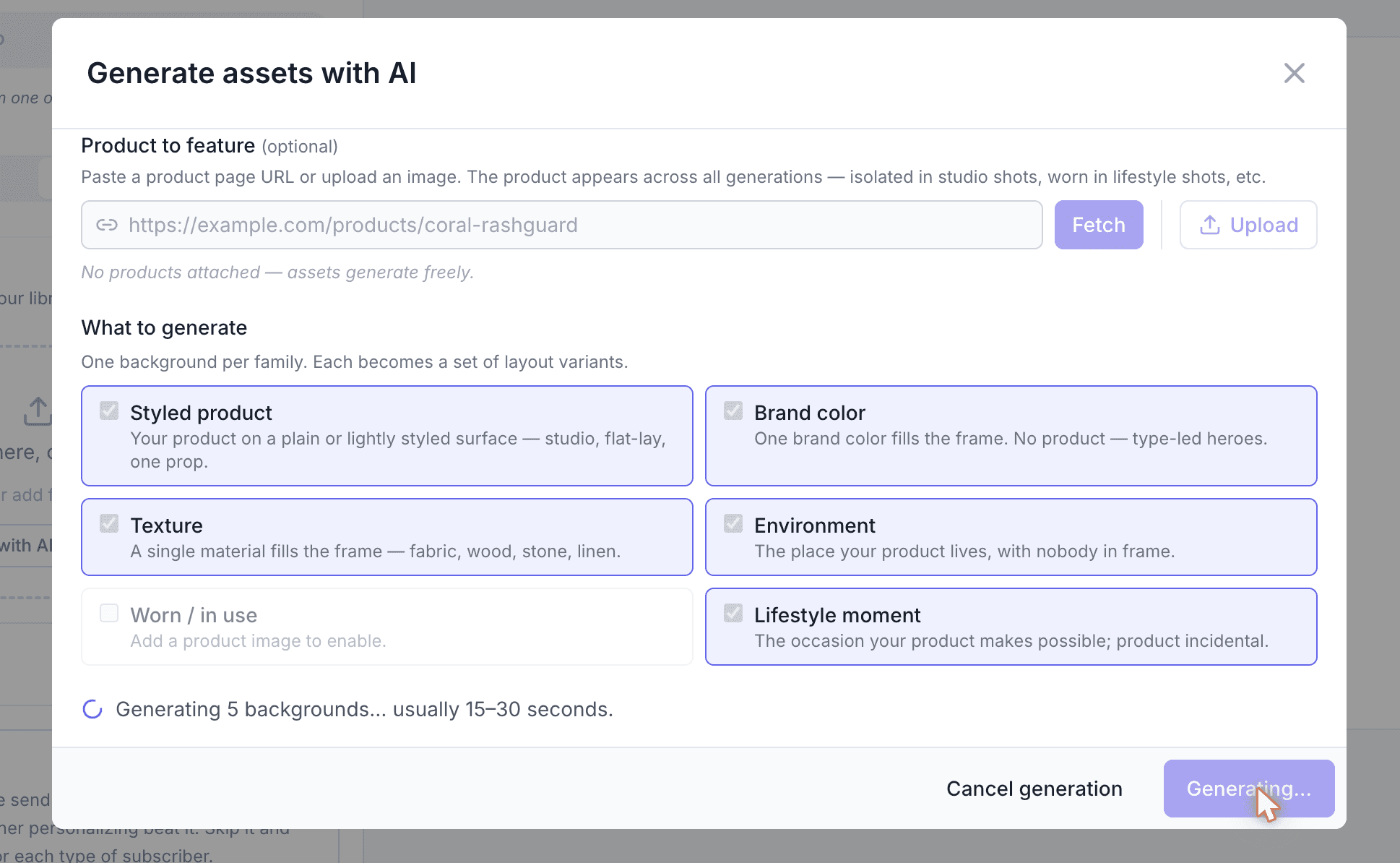
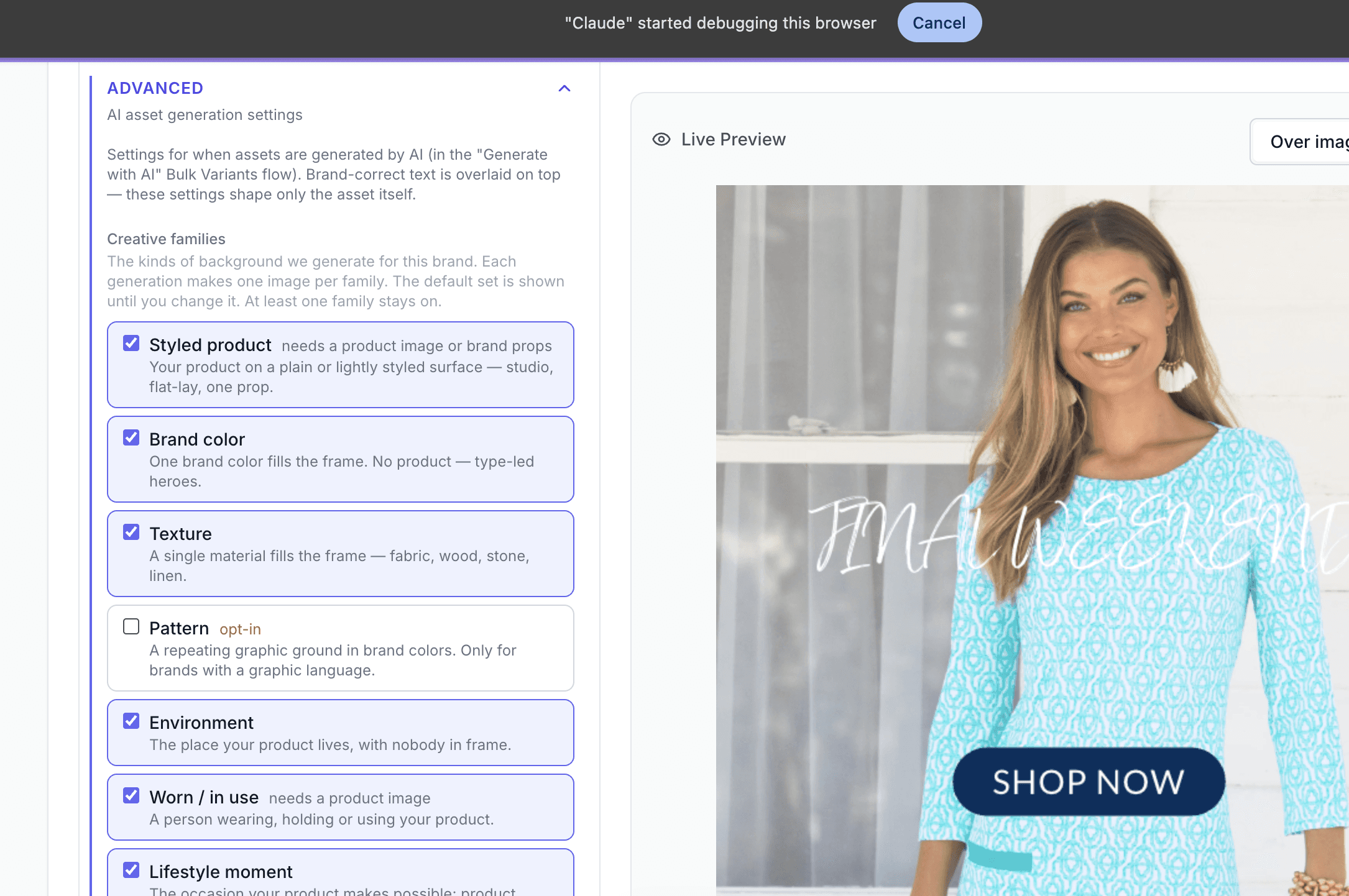
Pick from seven creative families: Styled product, Brand color, Texture, Pattern, Environment, Worn/in use, and Lifestyle moment — check the ones you want, get exactly one of each, up to six per generation.
New "Brand world" section in Brand Config: tell Hero Lab your brand's materials, places, moments, and stand-in product props, so the generator works from your vocabulary instead of guessing.
A family that needs a product photo now greys out and tells you what to add, instead of generating an unusable shot.
Photo treatments (editorial, UGC/natural, seasonal) now vary across a batch, so a set doesn't come back looking uniform.
A partial batch is recoverable — "Generated 4 of 6" plus a Retry button, instead of losing the whole run.
Why it matters: real creative variety, shaped by your brand's own vocabulary, instead of one look shot six different ways.
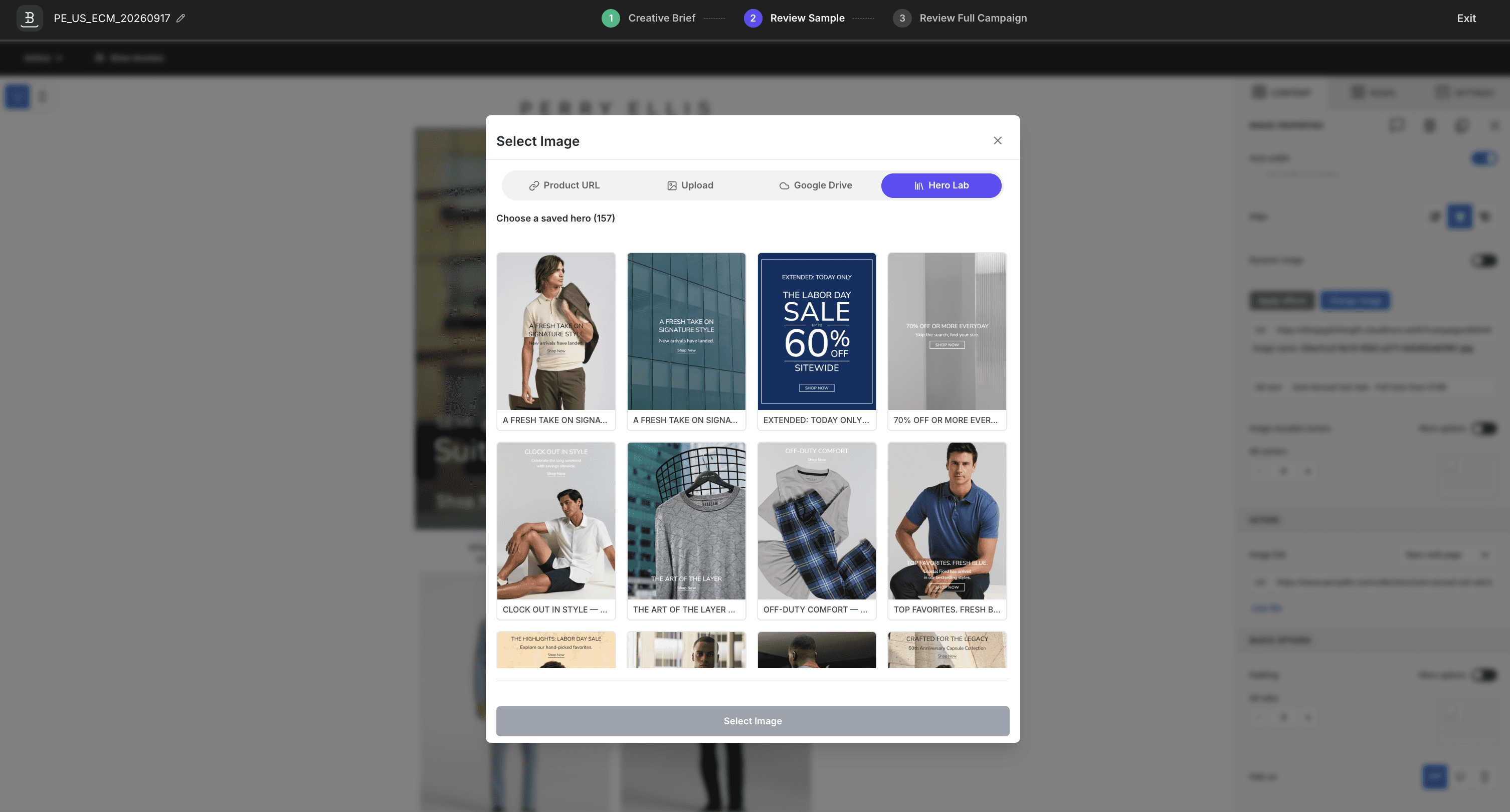
Insert anything saved in your Hero Lab library straight into an email.
A new Hero Lab tab inside the email editor's image picker — browse and insert saved heroes and backgrounds without leaving the editor.
Why it matters: no more downloading an image out of Hero Lab just to re-upload it into a campaign.
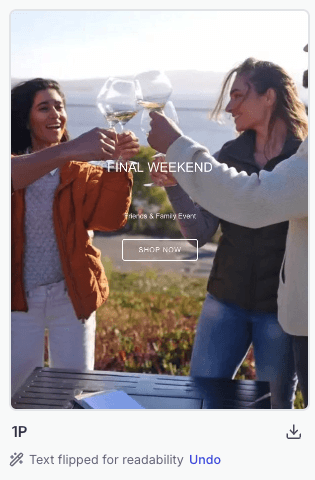
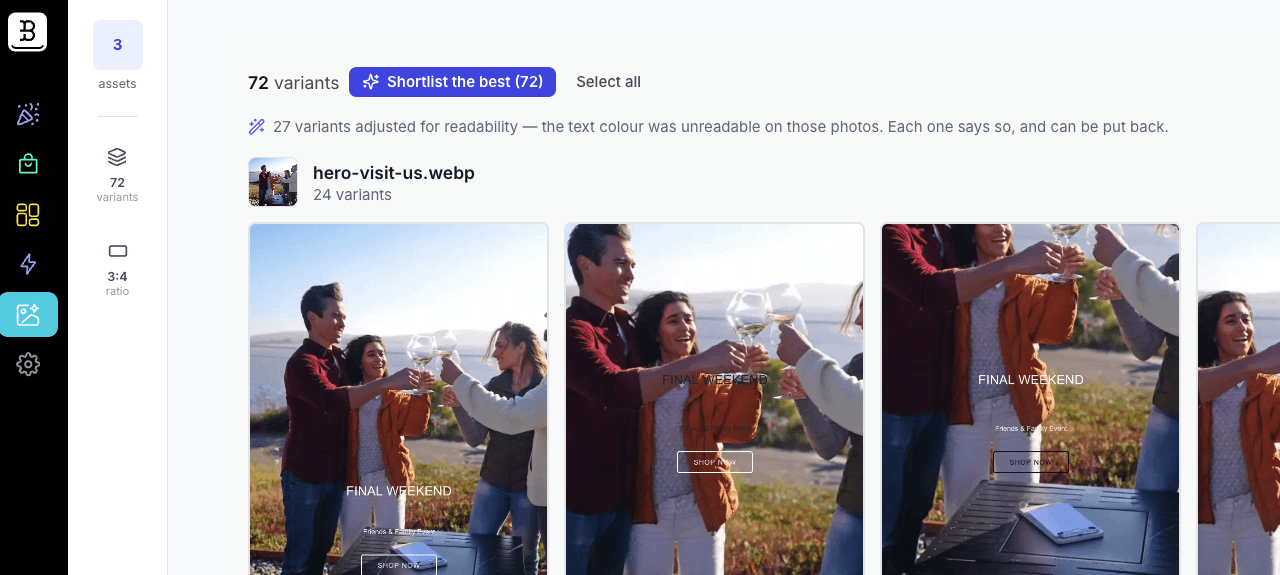
If your headline color doesn't read against a photo, Hero Lab now catches and fixes it automatically — for everyone, no flag.
Every variant is contrast-checked the moment it's built, against the actual pixels under your copy — no button to press, no wait.
Where your primary brand color doesn't read but your other brand color does, Hero Lab swaps it and tells you: "Text flipped for readability · Undo."
Undo restores your original color without marking the variant as edited, so your library stays accurate.
Why it matters: fewer unusable images in every set, with zero extra steps.
Surge can now tell you not to send something — and Hero Lab can push a winning set straight to Klaviyo.
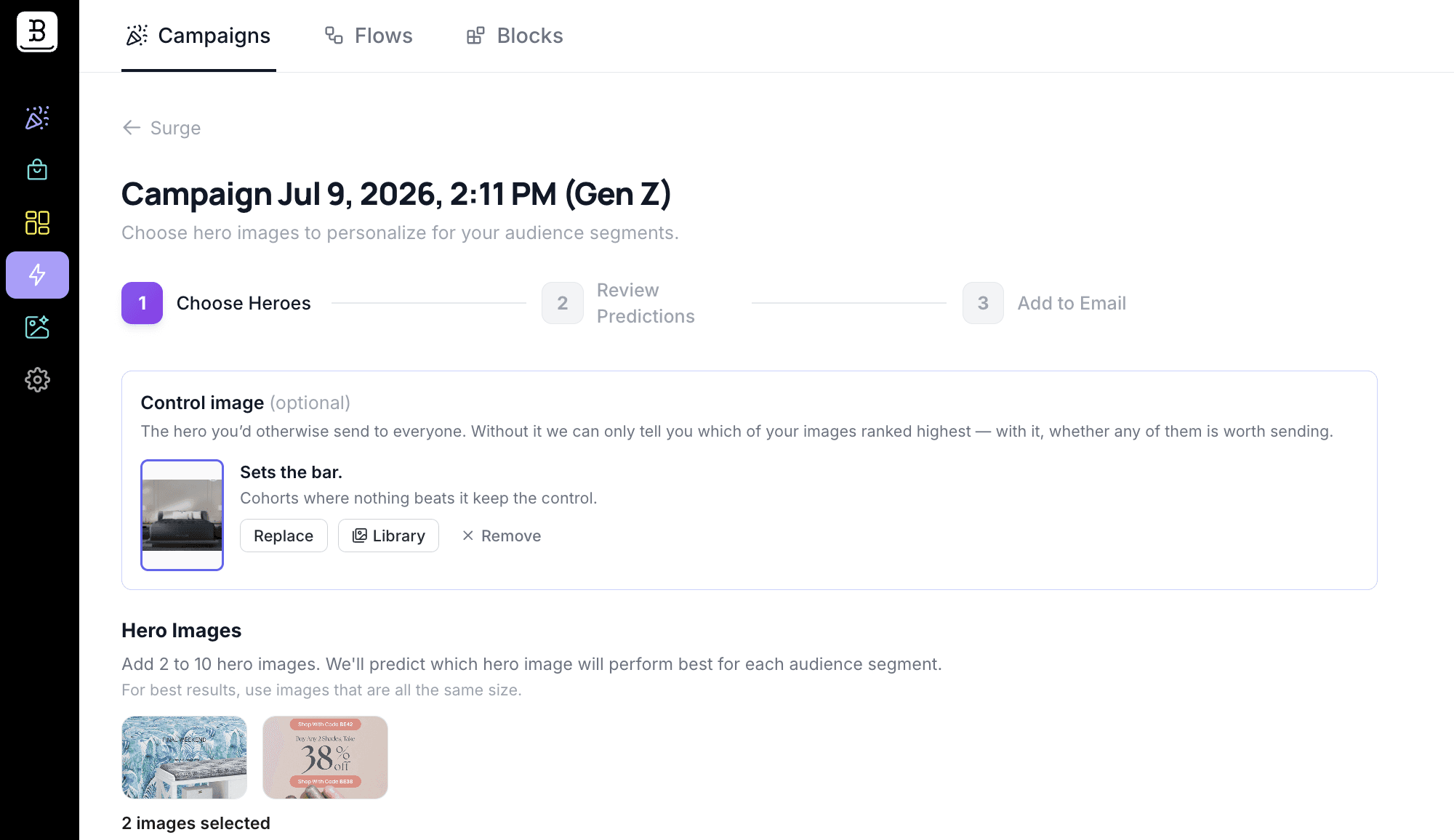
Designate a control — the hero you'd send today. Surge scores every candidate against it on the same cohorts, then leads with one verdict: Send the set, One image beat your control, Your control is predicted to win, or No clear winner yet.
On the two non-winning verdicts, Surge won't create the block — it tells you why instead of quietly proceeding.
"Create block in Klaviyo" now works on any Hero Lab run, control or not — winning images go straight into your Klaviyo Universal Content library, cohort assignments included.
A new Blocks tab under Surge lists every block you've created, with status — if a push to Klaviyo fails, retry it from there instead of starting over.
Why it matters: confidence that a send will actually beat what you'd otherwise ship — not just a list of who "won."