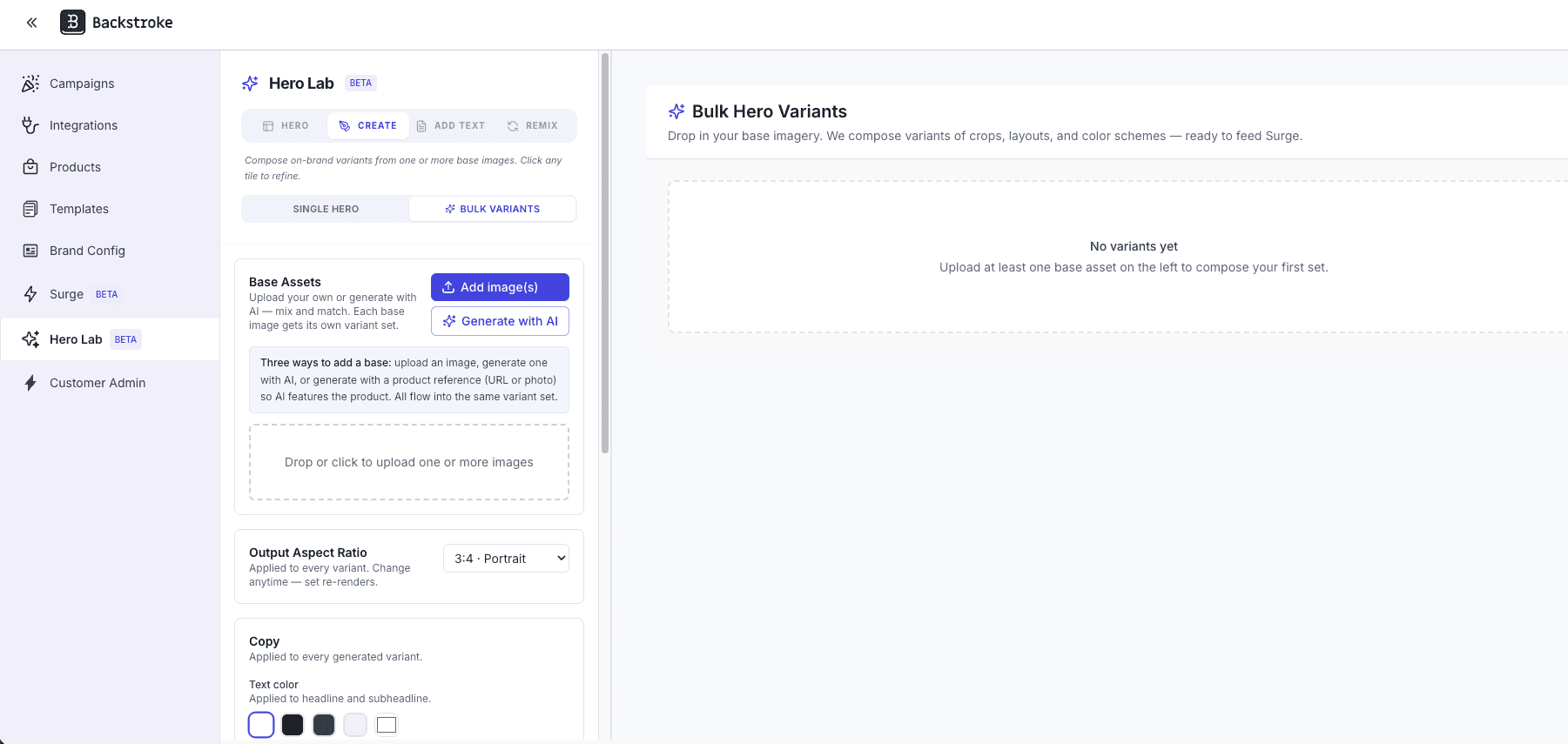
Describe the look you want, get on-brand background images, and turn each one into 36 ready-to-test hero variants in a single flow.
What's Changing
Before, building a set of hero images for testing meant sourcing or designing each background separately, then recreating typography, CTAs, and layout variations one at a time. Getting to a meaningful number of on-brand variants took hours of design work for every campaign.
Now, open Hero Lab, flip to Bulk Variants, and you've got two paths into the same flow. Bring your own images and we'll generate 36 brand-correct text-overlay variants per image automatically. Or click "Generate with AI," write a quick campaign brief, optionally drop in a product reference (PDP URL or upload), and choose 1, 3, or 6 backgrounds — we'll produce text-free, brand-aligned backgrounds you can turn straight into the full variant set. A new Hero Image Brand Guidelines tab in Brand Config keeps everything on-brand: your typography, CTA style, photography direction, color palette, subject guidance, reference images, and an avoid list all feed into every generation. Edit any variant with prev/next navigation, approve the ones you want, and push them straight to your Hero Library.