What's Changing
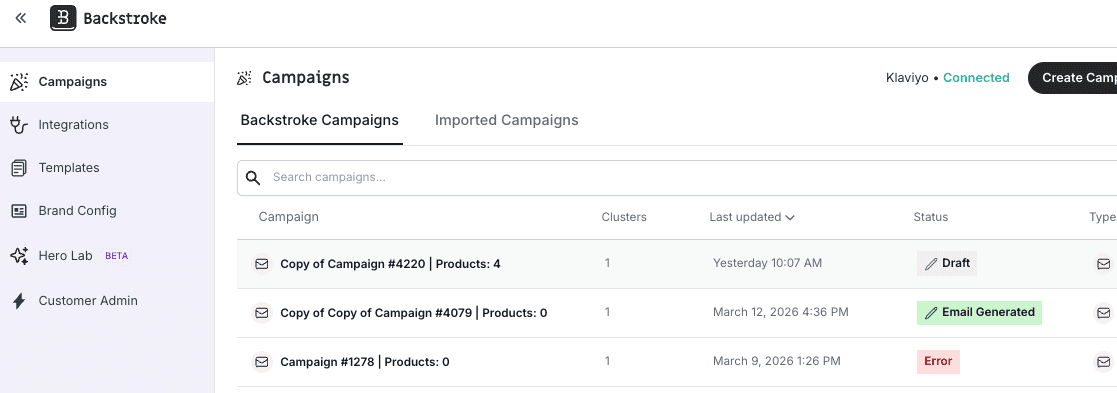
Before: To open or edit a campaign, you had to click the three-dot menu on each row and select "Edit." It was an extra step for the most common thing you do in the app.
After: Just click the row. Clicking any campaign row now takes you straight to the right place — the builder for drafts, the review screen for generated campaigns, and so on. The three-dot menu is still there for secondary actions like duplicating, archiving, or scheduling. Rows that don't have a natural destination (like already-sent campaigns) stay as they are — no confusing dead clicks.