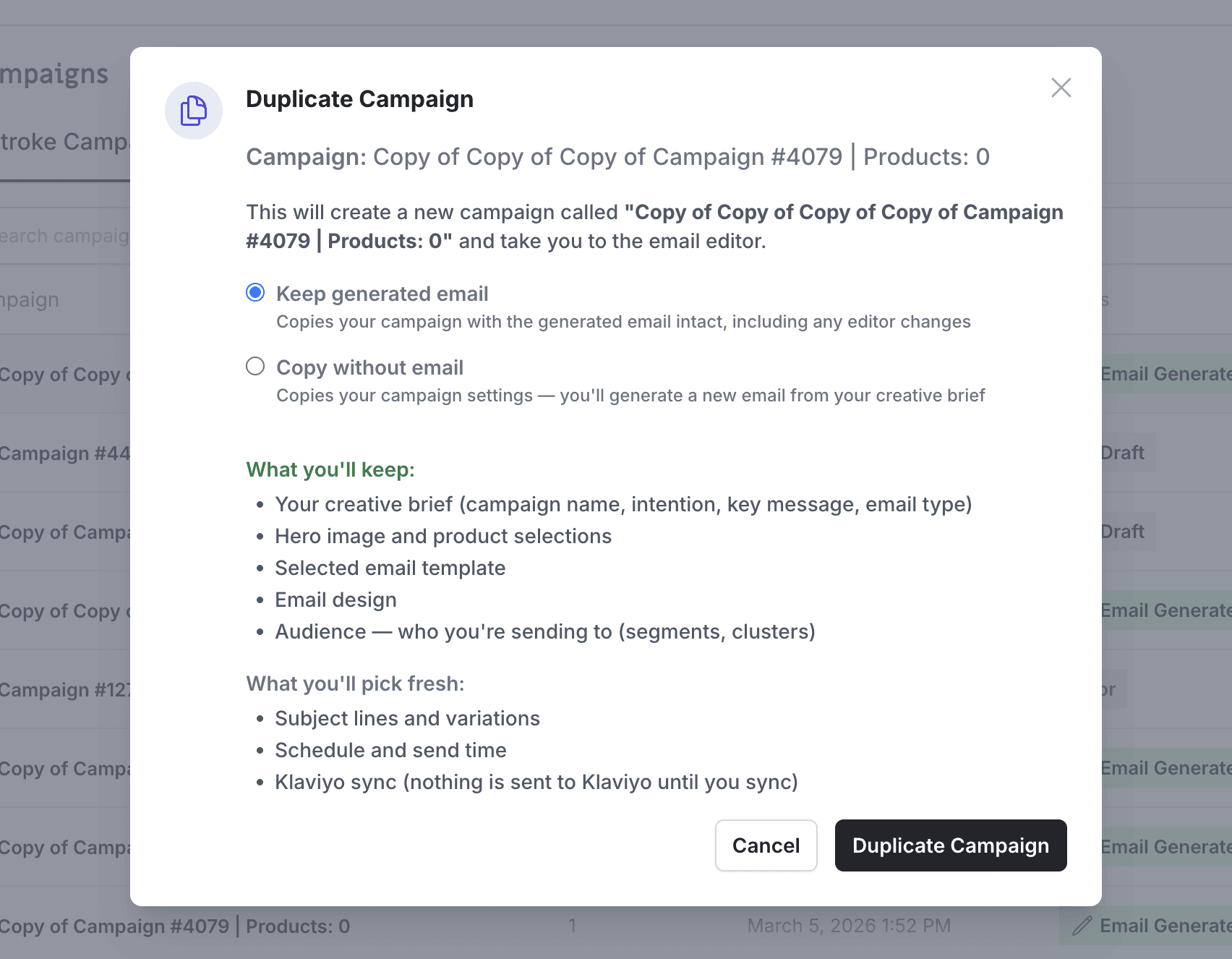
Duplicate a campaign without losing the image swaps, link updates, and approved body copy you already finalized in the editor.
What's Changing
Before, duplicating a campaign always started you over from scratch. Any edits you'd made in the editor — swapped images, updated links, approved body copy — were thrown away. The duplicate reverted to the original generated output, which meant redoing all your work if you just wanted a quick copy with minor tweaks. This was especially painful if you'd already gotten copy approved and synced to Klaviyo, then needed to go back and make a correction.
After, when you duplicate a campaign that has a finalized email, you'll see a choice: Include email design or Start fresh. Choose "Include email design" and your duplicate keeps everything — images, links, body copy, layout, and audiences — and drops you straight into the editor so you can pick up right where you left off. Choose "Start fresh" and it works exactly like before, generating a new email from your brief. Campaigns that haven't been generated yet skip the prompt entirely, so nothing changes for early-stage drafts.