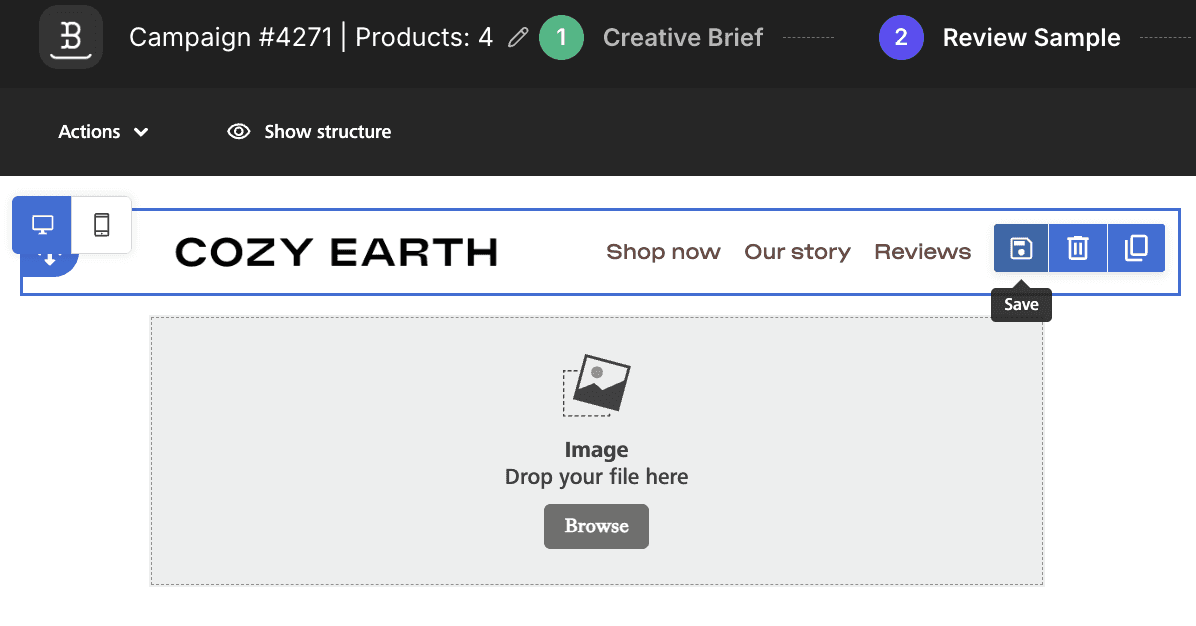
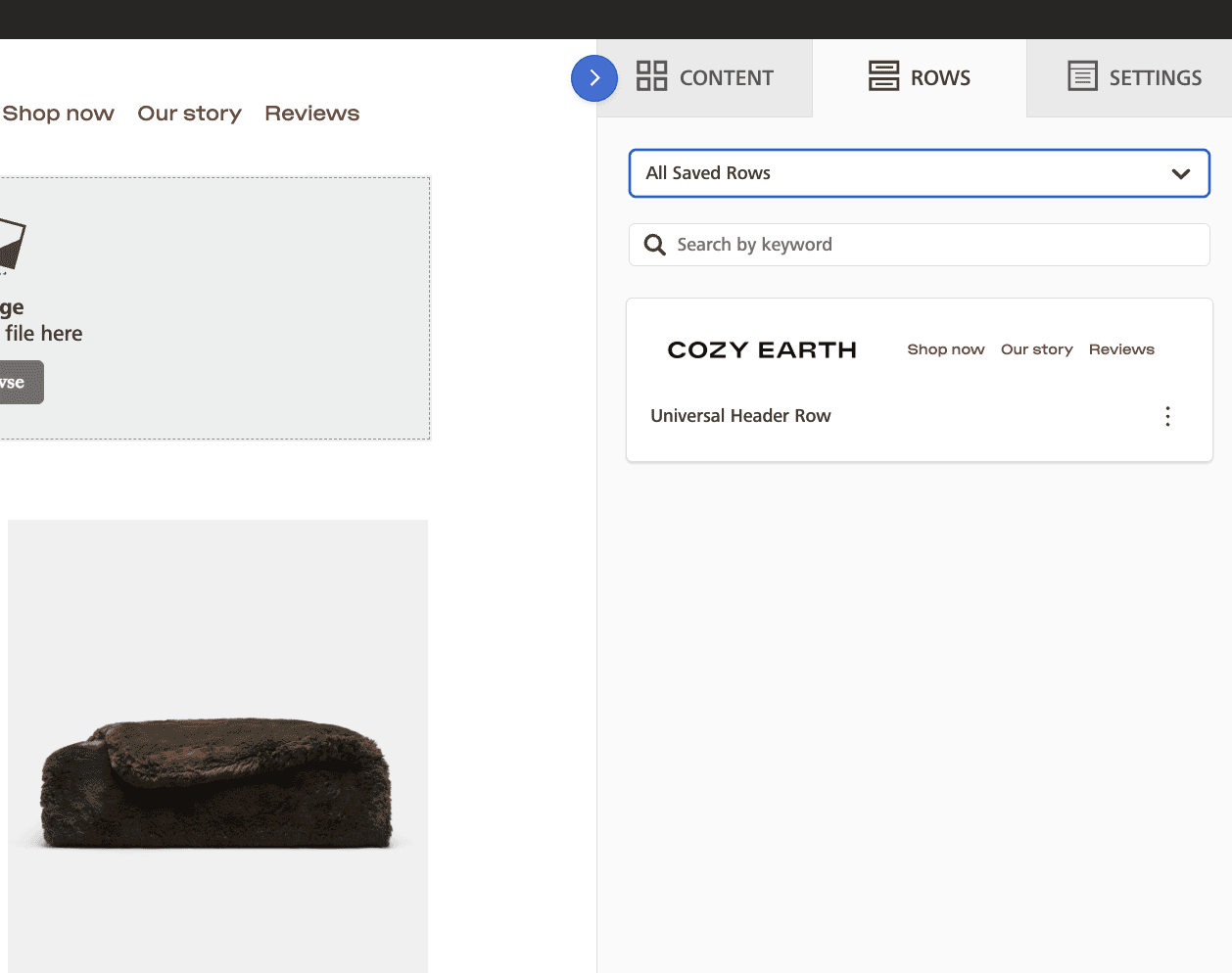
Save rows like headers, footers, and common content blocks once, then reuse them in any template — no more rebuilding the same layouts from scratch.
What's Changing
Before: Every time you built a new template, you had to recreate common rows — footers, headers, logo blocks, link sections — from scratch. Even if you'd built the perfect footer last week, there was no way to carry it into a new design. You'd either rebuild it manually or copy-paste raw HTML and hope the styling held up.
After: You can now save any row directly from the email editor and reuse it across all your templates and emails. Your saved rows appear in a dedicated panel inside the editor — just drag one in. Name and organize them however you like. Build your footer once, save it, and use it everywhere.